Dec 28, 2011
[share] Skins Completevb.com all versions
Gồm all các version mà Completevb có (3.8.3 - 4.1.5), Đã up version 4.1.5
Homepage:

Link down được update liên tục khi có version or skins mới:
Homepage:
Link down được update liên tục khi có version or skins mới:

Hướng dẩn Tạo khung đăng nhập kéo thả cho vBB
Trích từ: tổng hợp thủ thuật vBulletin
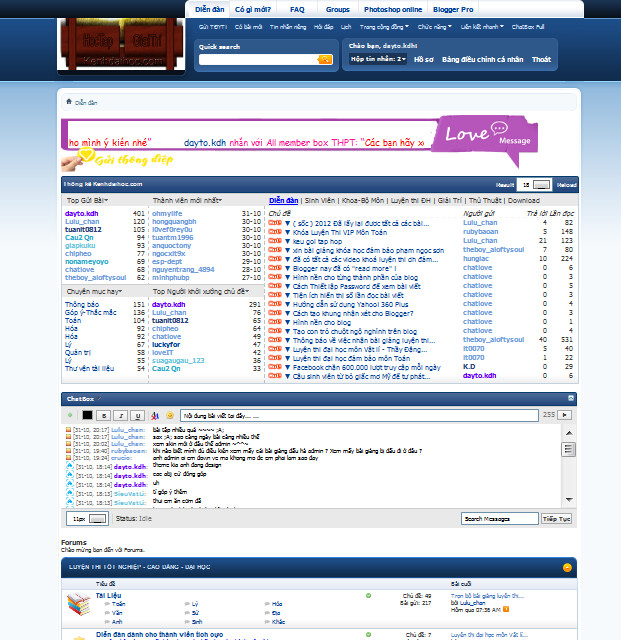
Các bạn, mình mới áp dụng khung đăng nhập này cho diễn đàn, nay bạn nào muốn dùng thì làm nhé
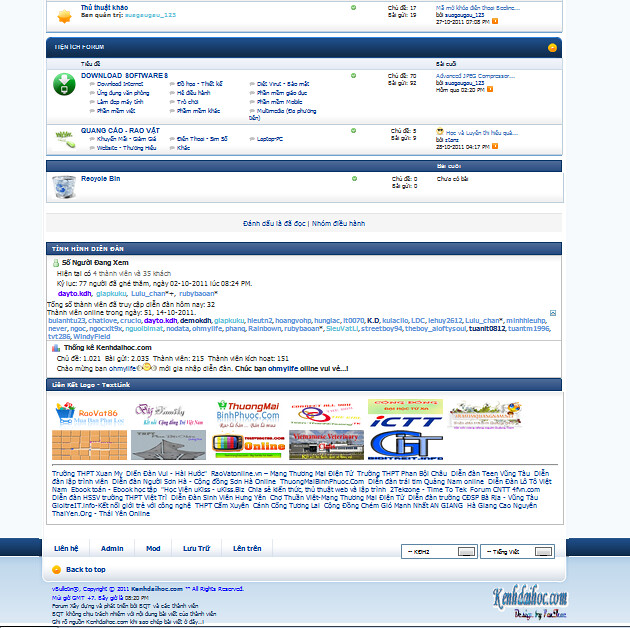
demo: http://kenhdaihoc.com
cách làm:
Vào template header thay toàn bộ code trong đó bằng code dưới đây( Theo mình Bạn nên thay code mặt định, bạn nên xem kĩ trong template header có đoạn code nào bạn đã thêm ko? nếu có thì hãy giữ lại)
Click Xem code
Download, giải nén và upload thư mục khung dangnhap ngang hàng admincp nhé
http://www.mediafire.com/?4ur0wekduwm8fz0
Nếu có vấy đề gì bạn hãy post lên cho anh, em xem và xử lý tại đây http://kenhdaihoc.com/forum/showthread.php?t=799
Các bạn, mình mới áp dụng khung đăng nhập này cho diễn đàn, nay bạn nào muốn dùng thì làm nhé
demo: http://kenhdaihoc.com
cách làm:
Vào template header thay toàn bộ code trong đó bằng code dưới đây( Theo mình Bạn nên thay code mặt định, bạn nên xem kĩ trong template header có đoạn code nào bạn đã thêm ko? nếu có thì hãy giữ lại)
Click Xem code
Download, giải nén và upload thư mục khung dangnhap ngang hàng admincp nhé
http://www.mediafire.com/?4ur0wekduwm8fz0
Nếu có vấy đề gì bạn hãy post lên cho anh, em xem và xử lý tại đây http://kenhdaihoc.com/forum/showthread.php?t=799
=================================================
Hướng dẩn - Chia sẽ - Hỏi đáp về vBB | Ban bào có gì hỏi về vBB mình sẽ giải đáp kịp thời ...
 Tin học căn bản
 Lập trình - thiết kế web
- Cơ Sở Dữ Liệu
- Quản trị dự án CNTT
- Kiến trúc máy tính
- Mạng máy tính
- Phần cứng
- Đồ Họa
- Thủ thuật - Mẹo vặt
- Đồ án tốt nghiệp
- Hacker - Bảo mật
- Công nghệ phần mền
- Cấu trúc dữ liệu và giải thuật
- Phân tích, thiết kế hệ thống TT
- Sửa chửa- bảo trì MT
Mod viết hoa chữ cái đầu tiên của bài viết cho vBB4 - Test thành công
Demo: kenhdaihoc.com
Chức năng chính:


Hack xong nếu không được thì vào Options -->ChipLove.9xpro - Capitalize the first character of the post và yes, yes nhé
Trích từ: tổng hợp thủ thuật vBulletin
Chức năng chính:
- Viết hoa chữ cái đầu tiên của tiêu đề + nội dung bài khi gửi bài mới
- Viết hoa chữ cái đầu tiên khi reply bài + edit bài viết
Hack xong nếu không được thì vào Options -->ChipLove.9xpro - Capitalize the first character of the post và yes, yes nhé
Trích từ: tổng hợp thủ thuật vBulletin
Thread Thumbnails 2.2.7 - Hiển thị hình ảnh trong bài viết ra ngoài cho vbb
Trích từ: tổng hợp thủ thuật vBulletin
Demo: kenhdaihoc.com
Description
The first image from the first post of thread will be get and displayed to forumdisplay
If in the first post have a no picture, but have a [youtube] bbcode or [video=youtube], it will get the youtube default thumbnails to display
And last, if in the first post have no picture, youtube video but have image-attach file, this mod will get it to display
A zoom effect will occurs when you hover over thumbnails
If you like this mod, Please nominate it for Mod of the Month
Update Thread Thumbnails 2.2.8(10/21/2011)
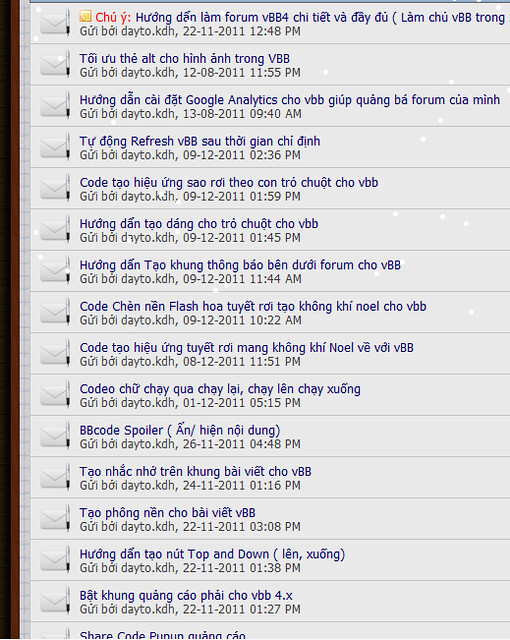
Sau khi sử dụng mod ( Rê chuột vào sẻ như ảnh bên)


Demo: kenhdaihoc.com
Description
The first image from the first post of thread will be get and displayed to forumdisplay
If in the first post have a no picture, but have a [youtube] bbcode or [video=youtube], it will get the youtube default thumbnails to display
And last, if in the first post have no picture, youtube video but have image-attach file, this mod will get it to display
A zoom effect will occurs when you hover over thumbnails
If you like this mod, Please nominate it for Mod of the Month
Update Thread Thumbnails 2.2.8(10/21/2011)
- Fixed bugs when click on "Find Posts By User". reported here
- New option: Use Avatar of poster to the default thumbnail if poster have. Or no, use default Image to displayed
- New option: Show thumbnails in Search page (all forums or only forums used this mod)
- New option: CSS for thumbnails (you can use CSS to modify thumbnails block)
- Optimized code
- Modified Jquery Library option, you may use jquery google hosted
- Modified CSS padding for requested here and others
- Optimized code
- New option: excludes any groupids
- Fixed some bugs:
- Thread preview text covers the zoomed image
- jQuery conflict to zoom image not work
- Add new option: Overwrite to thread status or no
- Add new option zoom effects
- Have option: set size of zoom image
- Optimized code
- You can turn On/ Off mod
- Option choose type of thumbnails (first image, youtube, file attach) (Feature on version 2.1)
- Setting default size of thumbnails
- Option: excludes any groupids (Feature on version 2.2.3)
- Option overwrite to thread status or no (Feature on version 2.2.1)
- Option zoom effects (Feature on version 2.2)
- Option: set size of zoom image (Feature on version 2.2)
- Option: Show thumbnails in Search page (all forums or only forums used this mod) (Feature on version 2.2,6)
- Option: Use Avatar of poster to the default thumbnail (Feature on version 2.2.7)
- Option: CSS for thumbnails (you can use CSS to modify thumbnails block) (Feature on version 2.2.5)
- Have option include all forum or include any forum, and this option you can re-set size of thumbnails for each forum id
- Last, you can exclude any forum you want in above forums list
Sau khi sử dụng mod ( Rê chuột vào sẻ như ảnh bên)
Trích từ: tổng hợp thủ thuật vBulletin
Mod Sitelink Manager VBB 4 (quản lý liên kết logo)
Demo: http://kenhdaihoc.com
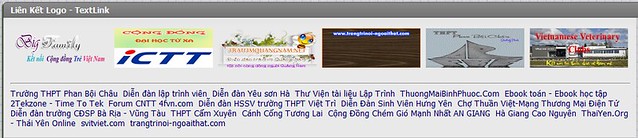

Công dụng: Thay vì phải chèn code, chúng ta chỉ cần import mod này, mod đã đc thiết kế rất đơn giản cho việc quản lý các liên kết logo, newbie cũng dễ dàng thực hành , ko cần phải chèn mã HTML như trước
Site Link Manager for vBulletin 4.0 by PFC Team!
What does this plugin?
This plugin allows you to add new friendly Links/Logos image at forum footer bar .
Installation:
A. Import the xml file from the product manager.
B. Upload files via FTP to forum related folder.
Link down
Trích từ: tổng hợp thủ thuật vBulletin
Công dụng: Thay vì phải chèn code, chúng ta chỉ cần import mod này, mod đã đc thiết kế rất đơn giản cho việc quản lý các liên kết logo, newbie cũng dễ dàng thực hành , ko cần phải chèn mã HTML như trước
Site Link Manager for vBulletin 4.0 by PFC Team!
What does this plugin?
This plugin allows you to add new friendly Links/Logos image at forum footer bar .
Installation:
A. Import the xml file from the product manager.
B. Upload files via FTP to forum related folder.
Link down
Trích từ: tổng hợp thủ thuật vBulletin
Mod Latest X Threads on Forumhome vbb4( X Chủ đề mới nhất trên Forumhome)
Demo: kenhdaihoc.com
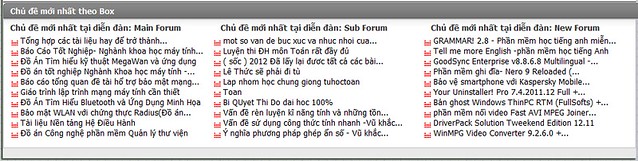
Link down
http://www.mediafire.com/?8sxyzi556fcqnq3
Sau đó [Add/Import Product]
cài xong chèn biến này vào forumhome nhé( tùy vị trí hiển thị)
chú ý, bản này khác các bản khác là chỉ cần lấy forum mẹ, không cần phải điền ID forum con
Trích từ: tổng hợp thủ thuật vBulletin
Link down
http://www.mediafire.com/?8sxyzi556fcqnq3
Sau đó [Add/Import Product]
cài xong chèn biến này vào forumhome nhé( tùy vị trí hiển thị)
{vb:raw last_x_thread}
Trích từ: tổng hợp thủ thuật vBulletin
Subscribe to:
Comments (Atom)


